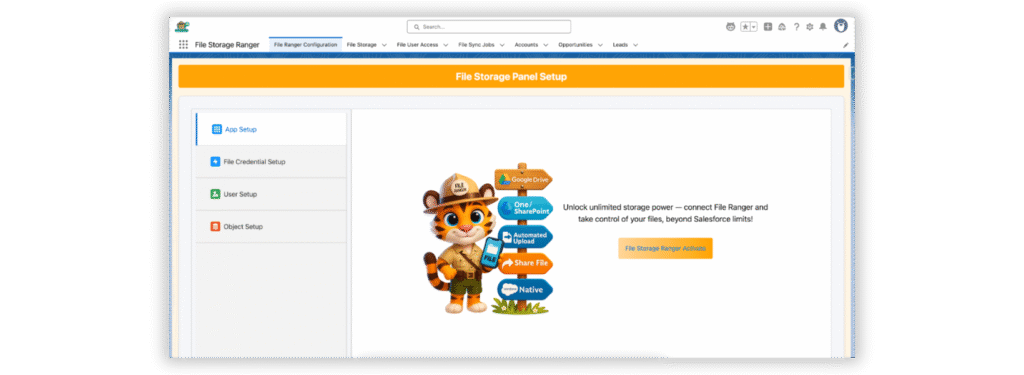
Managing your Salesforce files has never been easier! Follow these simple steps to install and start using File Storage Ranger to optimize your file management and storage.
Steps to install File Ranger package in Salesforce:
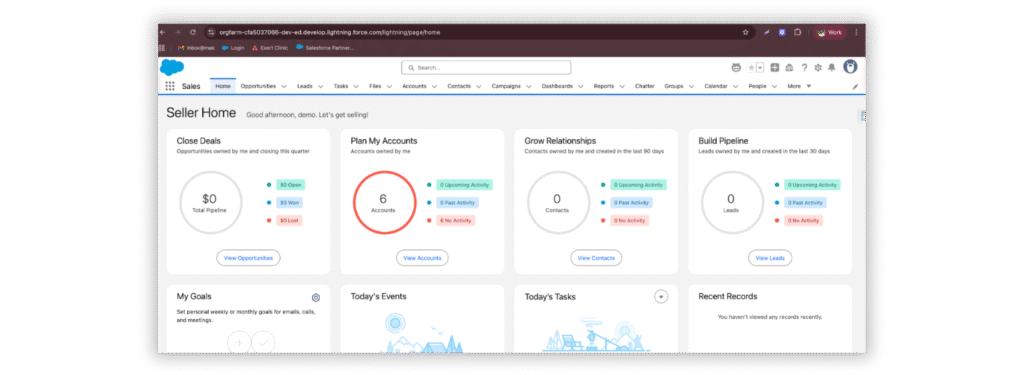
1. Login into Salesforce.
2. Enter Your Email For Installation Link :-
3. Append after the salesforce domain URL as mentioned in the screenshot.
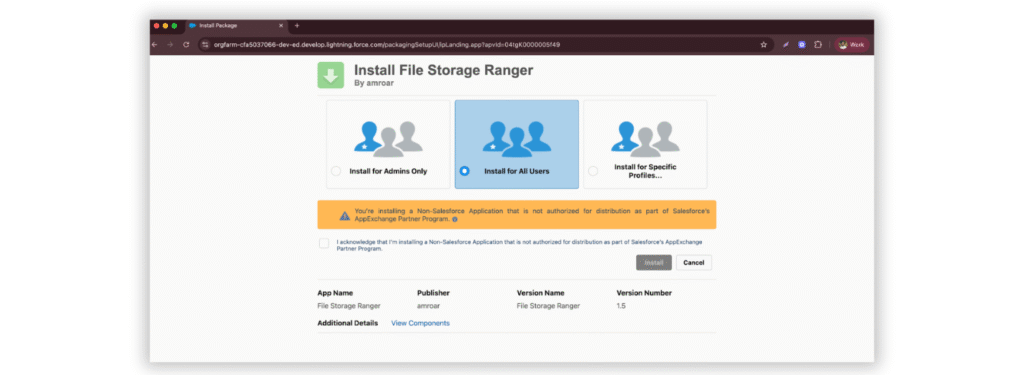
4. Redirects us to the installation page of File Ranger.
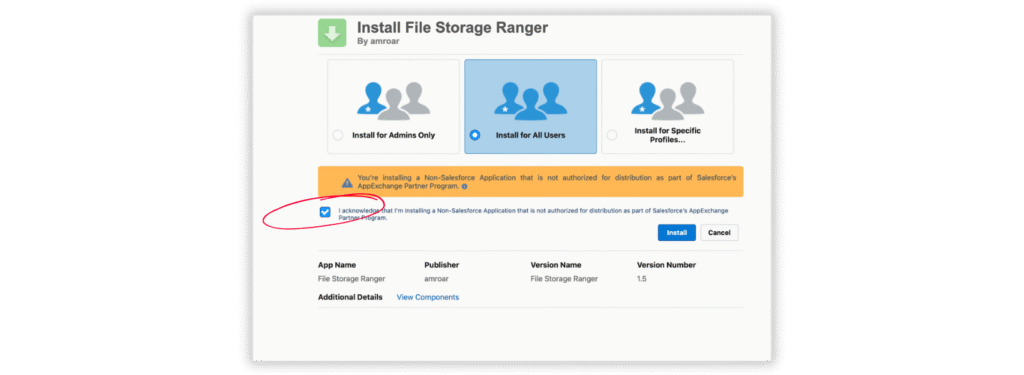
5. This page requires you to install the package and grant permissions to the profiles. Recommended: Install for all users.
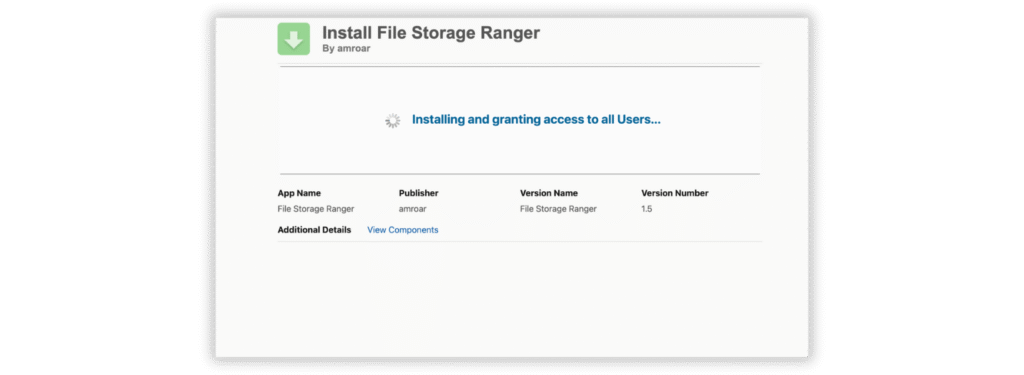
6. Click Install
7. Once installation is completed. It navigates you to the File Storage Ranger application to configurate.
Start optimizing your Salesforce storage today—download File Storage Ranger and take control of your files now!